How Long and How Far Can an HDMI Cable Transmit Without Losing Signal?
How Long and How Far Can an HDMI Cable Transmit Without Losing Signal? A Complete Guide to Stable 4K/8K Transmission
If you're setting up a home theater, configuring a large screen in a meeting room, or want to connect your computer to a projector in your living room, you've probably struggled with this question: How long can an HDMI signal transmit continuously without dropping the connection? How long should the cable be for stable 4K/8K playback?
Many people only look at the price when buying cables, only to find themselves experiencing screen flickering or blackouts, rendering 8K unusable. Today, we'll explain the core issues of HDMI transmission in layman's terms, covering continuous transmission time, maximum distance, cable selection, and tips to avoid common pitfalls. After reading, you can simply buy the cables you need.
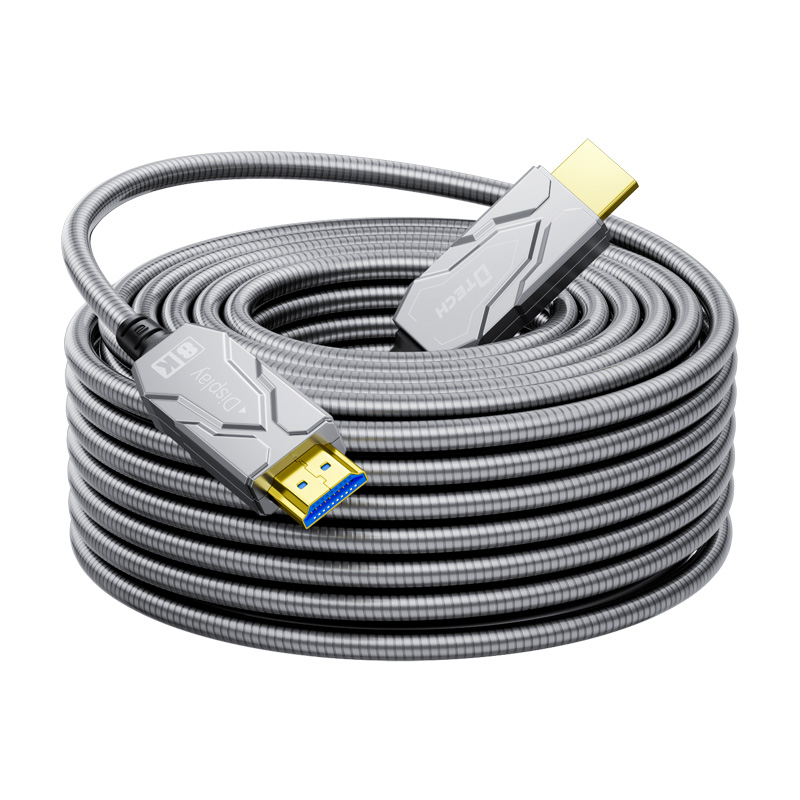
一、How long can an HDMI signal be transmitted continuously? Will it really "attenuate over time"?
The conclusion is: as long as the cable is of good quality and the distance is within the acceptable range, an HDMI signal can be transmitted continuously 24 hours a day, 365 days a year, and there is almost no signal loss due to prolonged use.
Why? Because HDMI uses digital signals, transmitted via high-speed pulses of 0s and 1s, unlike analog signals. Analog signals weaken over time and distance, but digital signals only have two states: "on" and "off." If the signal meets the standard, it's stable; if not, it results in a black screen or flickering, without gradually deteriorating.
For everyday TVs, projectors, and monitors, as long as the cables are intact, the connections are secure, and there's minimal environmental interference, they can run continuously for months or even years without problems. My own living room projector, connected via fiber optic HDMI cable, has been running for 8 hours a day for almost two years without ever losing signal.
What factors can cause unstable signal?
It's not time, but these four points:
1. Excessive distance: Copper cables exceeding 10 meters are prone to frame drops at 4K@60Hz;
2. High resolution/refresh rate: 8K and 4K@120Hz double the bandwidth requirements;
3. Strong electromagnetic interference: Cables bundled together with power cords, routers, or high-power devices;
4. Poor cable/connector quality: Cheap, low-quality cables, oxidized or loose connectors, and poor-quality adapters.
In short: Choose the right cable, control the distance, and avoid interference to ensure a stable HDMI signal.
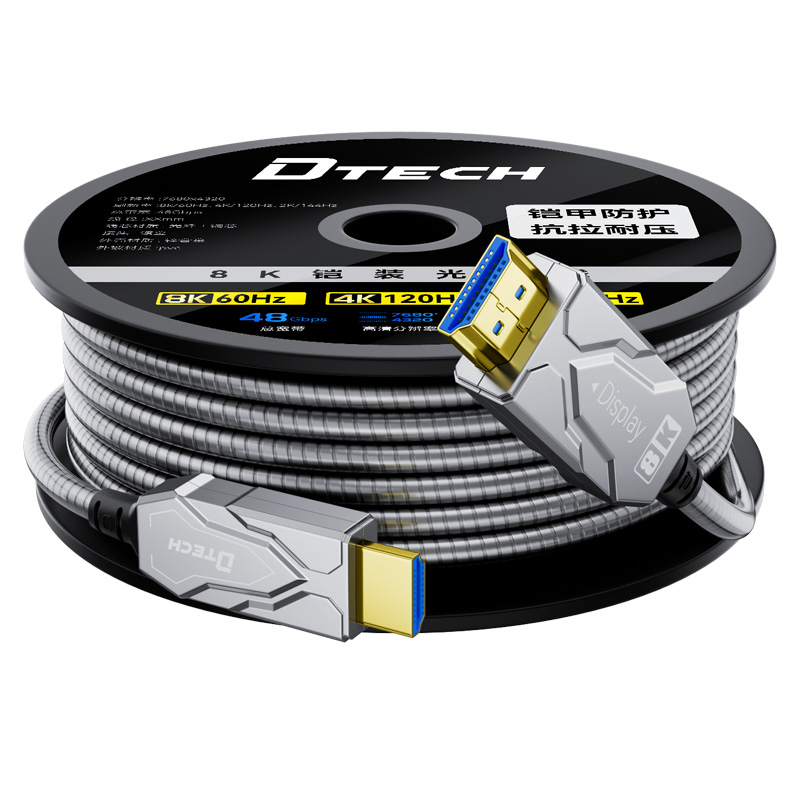
二、How Long Can a 4K/8K HDMI Cable Be Extended? Actual Tests of Different Cable Limits
The most crucial factors when choosing a cable are distance and resolution; don't buy blindly! Below is a list of reliable distance ranges based on actual testing. Please refer to the following:
1. Standard Copper Cable (HDMI 1.4)
• 4K@60Hz: Recommended ≤5 meters, maximum 7 meters
• 8K: Not supported at all
• Suitable for: Bedroom TVs, desktop monitors, short-distance office work
2. Premium Copper Cable (HDMI 2.0)
• 4K@60Hz: Recommended ≤10 meters, maximum 15 meters
• 8K@60Hz: Recommended ≤5 meters, maximum 8 meters
• Suitable for: Living room projectors, short to medium-distance home theaters
3. Active/High-Specification Copper Cable (HDMI 2.1)
• 4K@60Hz: Recommended ≤25 meters, maximum 30 meters
• 8K@60Hz: Recommended ≤10 meters, maximum 12 meters
• Features: Built-in signal amplification chip, strong anti-interference
• Suitable for: Long-distance living room theaters, game consoles (4K@120Hz)
4. Fiber Optic Cable HDMI Cable (Long Distance Preferred)
• 4K/8K@60Hz: Recommended ≤50 meters, maximum 100 meters+
• Advantages: Completely immune to electromagnetic interference, full bandwidth
• Suitable for: Conference rooms, stages, villa home theaters, ultra-long distance projection
In short: For distances under 5 meters, any copper cable will do; for 10–20 meters, choose an HDMI 2.1 copper cable; for distances over 20 meters or 8K, go for a fiber optic cable.
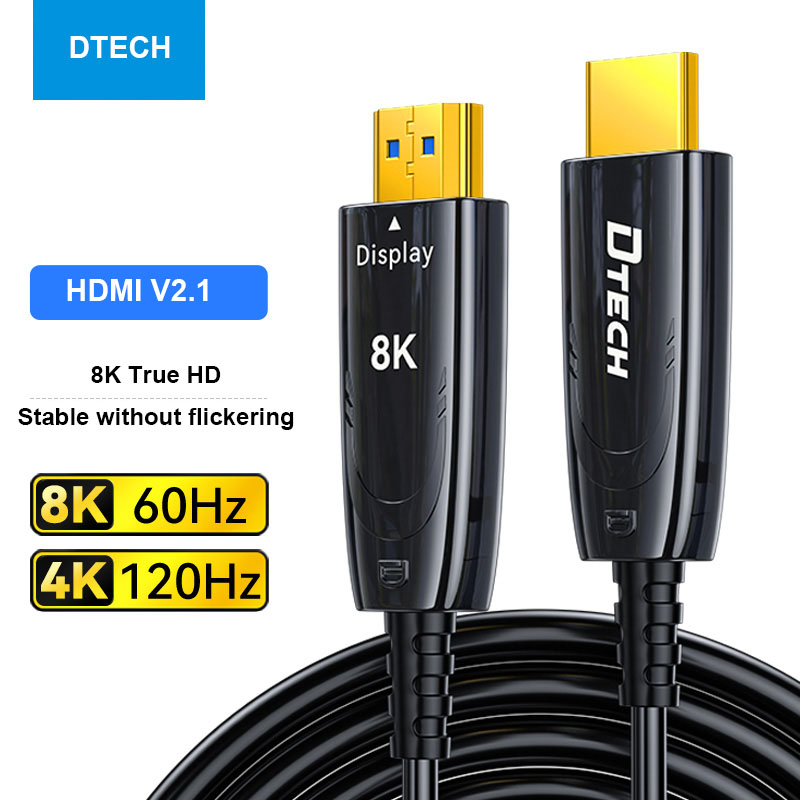
三、Avoid Pitfalls When Choosing HDMI Cables! Select According to Your Scenarios to Avoid Wasting Money
Many people are misled by "high-priced cables," but expensive doesn't necessarily mean suitable; the right cable is the most reliable. Choose directly according to your scenario:
Scenario 1: Short Distance (<5 meters) – For General Users
A standard HDMI 1.4 copper cable is sufficient for connecting a TV to a set-top box or a computer to a monitor, costing only around ten yuan. There's no need to buy an expensive one.
Scenario 2: Medium to Long Distance (5–20 meters) – Home Theater / General Projector
Prioritize high-quality HDMI 2.0 hdmi 2.1 copper cables. Look for the 18Gbps (4K) or 48Gbps (8K / High Refresh Rate) markings on the packaging. Stable 4K@60Hz transmission is no problem; for 8K, choose the 2.1 specification.
Scenario 3: Ultra-Long Distance (>20 meters) – Conference Room / Villa / Projector
A fiber optic HDMI cable is a must! Copper cables longer than 20 meters will generally experience screen flickering, while fiber optic cables are stable even at 50 or 100 meters, offering strong anti-interference capabilities and a hassle-free solution.
Scenario 4: High Refresh Rate Gaming (4K@120Hz/8K@60Hz) – Gaming Consoles/Esports Monitors
A copper or fiber optic HDMI 2.1 cable is required, with 48Gbps bandwidth necessary to handle high refresh rate signals and avoid screen tearing and high latency.
Tips to avoid common pitfalls:
• Avoid buying unbranded "triple-wireless" cables, as the connectors are prone to oxidation;
• Don't bundle cables with power cords or network cables, and keep them away from routers and power outlets;
• Ensure connectors are firmly plugged in and regularly wipe away dust to prevent loosening and poor contact.
四、Frequently Asked Questions Answered at Once (A Must-Read for Beginners)
Q1: Are more expensive HDMI cables always better?
No! For 4K TVs within 10 meters, there's no difference in actual experience between a 50 RMB high-quality copper cable and a 500 RMB cable. Expensive cables often have brand premiums and gold-plated connectors, which are unnecessary for ordinary users.
Q2: Can I use a regular HDMI cable with an 8K TV?
No! Regular cables don't have enough bandwidth. 8K images will experience black screens, flickering, or pixelation. You must use an HDMI 2.1 or fiber optic cable.
Q3: What happens if the cable exceeds the recommended length?
It will directly cause flickering, black screens, and occasional signal drops. It won't gradually degrade. Solutions: Replace with a fiber optic cable, add a signal amplifier, or lower the resolution (e.g., reduce 4K to 1080p).
Q4: Do high refresh rate TVs require special cables?
Yes! 4K@120Hz and 8K@60Hz require HDMI 2.1 or optical fiber cables. Ordinary cables cannot handle the high bandwidth, resulting in dropped frames and high latency.
五、Conclusion
HDMI signals aren't afraid of long transmission times, but they are vulnerable to poor cable quality, long distances, and significant interference. Remember these three points when choosing cables:
1. Use copper cables for short distances and fiber optic cables for long distances;
2. 4K requires 18Gbps, 8K/high refresh rate requires 48Gbps;
3. Don't buy cheap, low-quality cables, and don't be misled by overpriced ones.
By choosing cables according to these standards, you can stably transmit 4K/8K signals for home theaters, large office screens, or gaming consoles, eliminating flickering and black screen issues.